Checksums and file hashes: verify a file is exactly what was published
A checksum is a short value computed from every byte of a file. If you compute it again and get the same value, the file has not changed. Publishers list SHA-256 checksums so you can confirm a download arrived intact and is the exact file they released.
Where to start
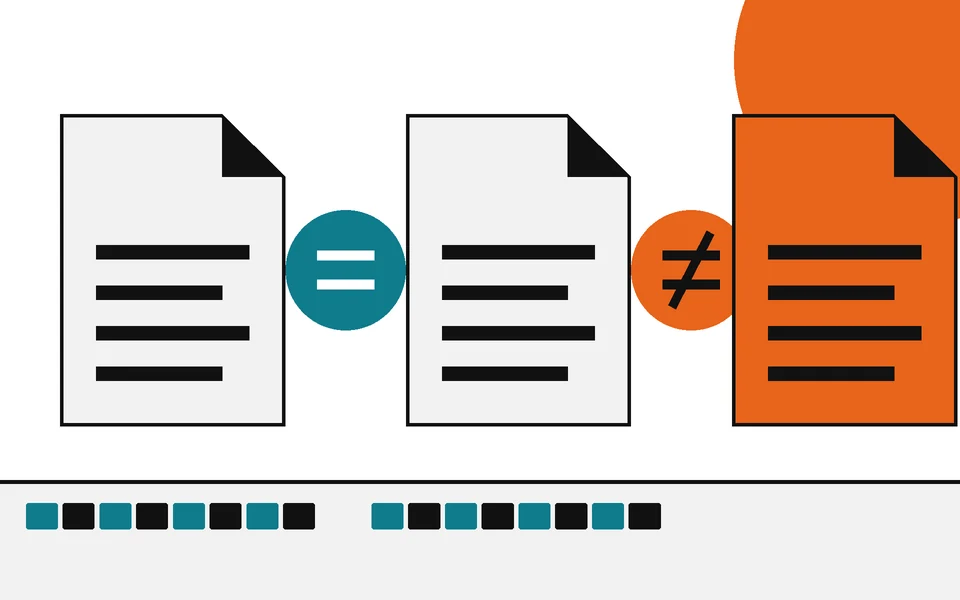
Three steps, in order. Each one is stronger than the one after it.
- How to verify a download
Find the published hash
Look on the download page or in a file named SHA256SUMS. No published value, no check.
- What is a checksum?
Compute your own
One built-in command on Windows, macOS or Linux prints the SHA-256 of your copy.
- Checksum mismatch
Compare every character
Equal means the same file. Different means stop and find out why before you open it.
All six guides
From what a checksum is to hashing a whole folder. Each guide ends with the same check applied to content.
A checksum is a short value computed from a file's contents. Compute it again later, on any computer, and you should get exactly the same value. If you do, the file has not changed by a single bit. If you do not, something is different, and the guides below help you find out what.
The checksums you see next to downloads today are cryptographic hashes, usually SHA-256. NIST defines the SHA family in FIPS 180-4, the Secure Hash Standard, and describes their purpose plainly: the digests are used to detect whether a message has been changed. Its glossary defines a hash function as one whose output has a fixed length, whatever the size of the input. A 4 KB text file and a 5 GB disk image both produce a SHA-256 of 64 hexadecimal characters.
Three steps cover almost every case.
Checksums and file hashes
6 guides- Explainer
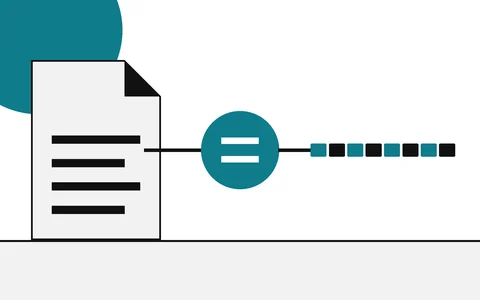
What is a checksum?
A fingerprint for a file, explained plainly
- How-to
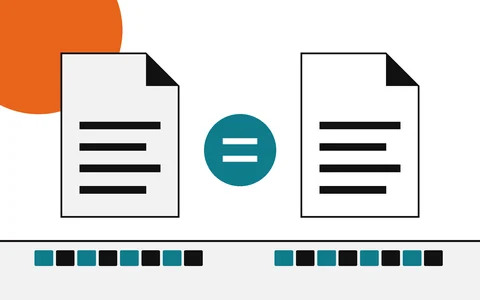
How to verify a download
Start here: find the hash, compute yours, compare
- Explainer
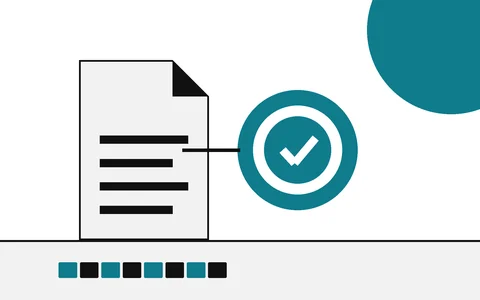
Hash vs digital signature
Integrity of the file versus who stands behind it
- Explainer
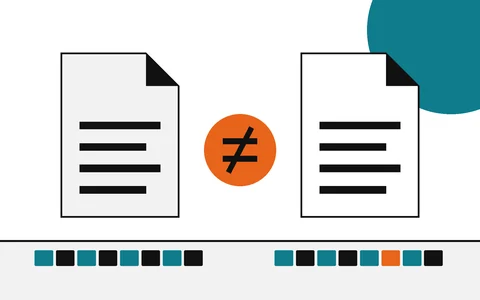
Checksum mismatch
What a different hash means, and what to do next
- How-to
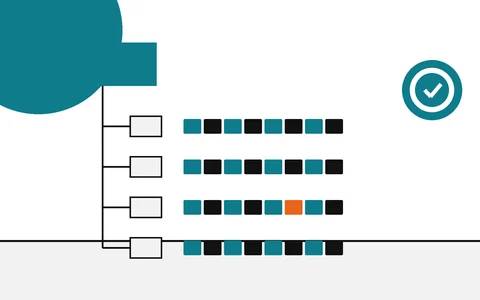
Hash a whole folder
One manifest that covers many files
- Explainer

MD5, SHA-1, SHA-256 compared
Which algorithm to rely on, and for what
Questions
Each answer starts with the answer.
Is a checksum the same as a hash?+
In everyday use, yes. Checksum is the older, broader word for any value computed to detect changes; the checksums publishers list today are cryptographic hashes such as SHA-256.
Which checksum should I use?+
Use SHA-256 unless the publisher lists only something else. MD5 and SHA-1 still catch accidental damage, but both have practical collisions, so they cannot rule out deliberate tampering.
Does a matching checksum mean a file is safe?+
No, it means the file is the one the checksum was computed from. If the publisher shipped something harmful, or an attacker replaced both the file and the checksum, the values will still match.
Do I need to install anything to check a checksum?+
No. Windows has Get-FileHash and certutil, macOS has shasum, and Linux has sha256sum. All of them are already on the system.
Related reading
- Explainer
What is a checksum?
A fingerprint for a file, explained plainly
- How-to
How to verify a download
Start here: find the hash, compute yours, compare
- Explainer
Hash vs digital signature
Integrity of the file versus who stands behind it
- Explainer
Checksum mismatch
What a different hash means, and what to do next
- How-to
Hash a whole folder
One manifest that covers many files