Verify an AI model download: SHA-256, safetensors and signed releases
Tested onUbuntu 22.04, 2026-10-30: huggingface_hub 2.4.0 list_repo_tree, curl, sha256sum (GNU coreutils 8.32)
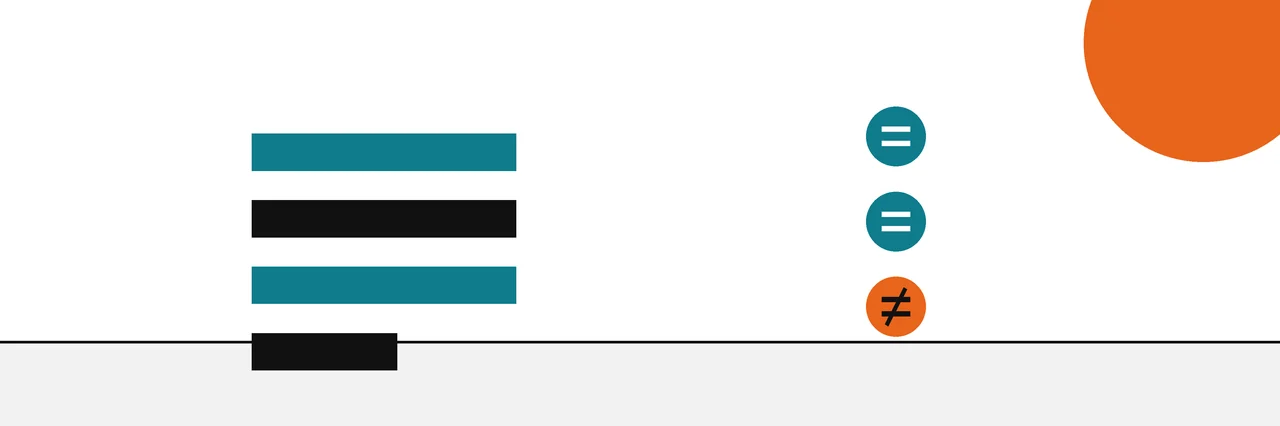
Get the model file's published SHA-256 from the Hub, compute the SHA-256 of your downloaded copy with sha256sum, Get-FileHash or shasum -a 256, and compare. A match means you have the exact file the repository holds. Prefer safetensors files over pickle-based ones, and check a signature where the publisher provides one.
A model file is a download like any other, so the first check is the one people have run on ISO images for years: compare its SHA-256 with the value the publisher lists. Model files add two concerns of their own. Some formats can run code when loaded, and a model can come from a repository that is not the one you meant.
This guide is part of our guides to verifying files, images and text. The hash steps are the same ones in our general walkthrough on how to verify a download with a checksum, applied to model files on the Hugging Face Hub.
You need
- The repository name and the exact file you downloaded (for example
model.safetensors, or each shard of a split model). - A terminal: PowerShell on Windows, Terminal on a Mac, or a Linux shell.
- Optionally, Python with the
huggingface_hublibrary, to fetch published hashes in a script.
Step 1: Find the published SHA-256
Large model files on the Hub are stored with Git LFS, and the Hub records a SHA-256 for each one. In the huggingface_hub library, list_repo_tree returns an entry per file, and for LFS files that entry includes an lfs record with the size and sha256.
This run lists one small test repository and prints the record for its weights file:
from huggingface_hub import list_repo_tree
for f in list_repo_tree('hf-internal-testing/tiny-random-gpt2'):
    if f.path == 'model.safetensors':
        print(f.path, f.size, f.lfs)
model.safetensors 453864 BlobLfsInfo(size=453864, sha256='8111d5afb0715dbf5a31396d31432cb56370ba23f6650a035ea0fc8a20b4e500', pointer_size=131)
The value to compare is sha256. The library can also report a separate Xet storage hash for a file; Hugging Face's Xet specification builds that one as a BLAKE3-keyed Merkle hash over chunks, so it will never match sha256sum. Note the size too, since a size mismatch is the quickest sign of a partial download.
Pin the revision as well. A repository's main branch can change after you read a hash, so for anything you will deploy, note the commit you downloaded from and read the hashes for that same commit. list_repo_tree takes a revision argument for this, and the Hub's download links can point at a commit instead of main.
Keep the result. Save the file names, sizes, SHA-256 values and the commit in a small text file next to the model, in the same two-column format sha256sum prints. That file becomes a manifest you can re-check with sha256sum -c whenever you copy the model to a new machine or restore it from a backup.
Step 2: Download the file
Use whatever you normally use: the download button on the file's page, the hf download command from the Hub's command-line tools, or a direct fetch. This run used curl with the file's download link:
curl -sSL -o model.safetensors https://huggingface.co/hf-internal-testing/tiny-random-gpt2/resolve/main/model.safetensors
Step 3: Compute the hash of your copy
On Linux:
sha256sum model.safetensors
8111d5afb0715dbf5a31396d31432cb56370ba23f6650a035ea0fc8a20b4e500 model.safetensors
That matches the published value character for character. To let the computer do the comparison, feed it the published hash and the file name:
echo "8111d5afb0715dbf5a31396d31432cb56370ba23f6650a035ea0fc8a20b4e500 model.safetensors" | sha256sum -c -
model.safetensors: OK
On a Mac, run shasum -a 256 model.safetensors (plain shasum is SHA-1). On Windows, run Get-FileHash .\model.safetensors in PowerShell, which uses SHA-256 by default, and compare the Hash column; PowerShell prints it in capitals, which does not matter.
For a model split into shards, check every shard. A script that loops over list_repo_tree results and compares each sha256 with your local files saves time on large models.
Step 4: Prefer safetensors
The file format matters as much as the hash. Many older checkpoints (.bin, .pt, .pth, .ckpt) are Python pickle files, and a pickle can carry instructions that run when the file is loaded. Hugging Face's pickle scanning documentation warns that loading a pickle risks arbitrary code execution, shows the imports it finds in pickled files on the Hub, and advises loading models only from sources you trust.
Safetensors was built for this problem. Hugging Face describes it as a format for storing tensors safely, as opposed to pickle, that is still fast to load. Loading a safetensors file reads tensor data without running code stored in the file. When a repository offers both formats, download the .safetensors file.
A matching hash on a pickle file proves only that you have the same file as the repository, including anything harmful the repository's author put in it. That is why the format check sits alongside the hash check instead of after it.
Step 5: Check a signature where there is one
A hash from the Hub tells you your copy matches what the repository holds. It does not tell you who put it there. A signature does. The OpenSSF model-transparency project provides a model_signing tool that signs a model directory and lets anyone verify it, using Sigstore identities, public keys, certificates or hardware tokens. On verification it checks the signature and then recomputes the hash of each file and compares it with the signed list.
For a model signed with a public key, the documented verify command is:
model_signing verify key bert-base-uncased --signature resnet.sig --public-key key.pub
For a Sigstore-signed model, you pass the signer's identity and identity provider instead of a key. Signing is optional, so many models have no signature; when one is there, verify it and treat it as a strong plus. Our explainer on what a hash proves and what a signature adds covers the difference in more depth.
If the hash does not match
Do not load the file, and do not try to repair it. Delete it, download it again and hash the new copy; most mismatches are interrupted or partial downloads, and a clean second download settles the question quickly. Here a copy cut short at 200,000 bytes fails the same check:
partial.safetensors: FAILED
sha256sum: WARNING: 1 computed checksum did NOT match
Then confirm you compared the right file, the right revision and the right algorithm. Repositories change, so a hash copied from a model card or a forum post may describe an older commit; read the published value from the same revision you downloaded. If a fresh download from the official repository still fails, treat the file as untrusted. Our list of the usual causes of a checksum mismatch walks through the rest.
The same habit protects your own work: a dated hash log is how you keep evidence that you wrote a draft, and a SHA-256 binding is also what sits at the core of a content credential on an image.
The evidence ladder for model files
| Rank | Check | Can show | Cannot show |
|---|---|---|---|
| 1 | Valid signature from a known publisher | Who released these exact files | That the model behaves as described |
| 2 | SHA-256 matches the Hub record for that revision | Your copy is identical to the repository's file | Who uploaded it, or whether it is safe to load |
| 3 | Safetensors format | Loading will not run code from the file | Where the weights came from |
| 4 | Repository name, model card, download counts | Reputation and context | Integrity of your copy |
| 5 | A hash copied from a forum or chat | That someone once saw that value | Anything you can rely on without the source |
Sources
Questions
Is safetensors safe to download from anyone?+
Safer than pickle, because loading it does not run code. A safetensors file can still hold weights that behave badly, so the source of the model still matters.
Why are .bin and .pt model files risky?+
Many of them are Python pickle files, and loading a pickle can run code the file's author put there. Hugging Face describes this as a risk of arbitrary code execution and shows the imports found in pickled files.
Does a matching SHA-256 mean the model is trustworthy?+
No, it means your copy is identical to the file in the repository. Whether that repository and its publisher deserve trust is a separate question, which a signature or a well-known publisher answers better.
Where do I find the SHA-256 of a model file on Hugging Face?+
Use list_repo_tree in the huggingface_hub library, which returns an lfs record with a sha256 field for each large file. Read it from the same revision you downloaded.
My model is split into several shards. Do I check all of them?+
Yes. Each shard has its own SHA-256, and a single corrupted shard is enough to break the model or change its behaviour.
Related reading
- How-to
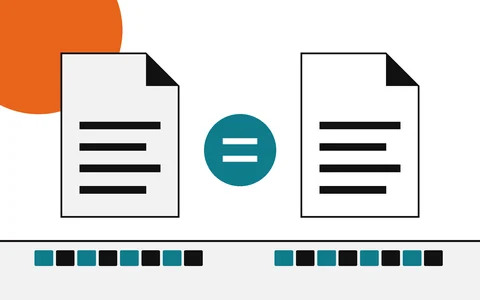
How to verify a download
Start here: find the hash, compute yours, compare
- Explainer
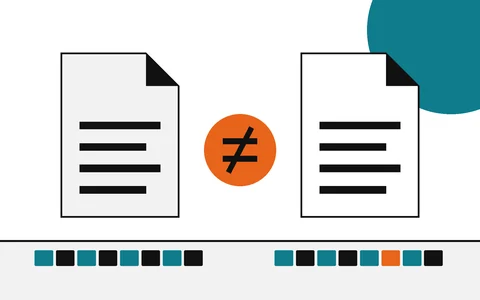
Checksum mismatch
What a different hash means, and what to do next
- Explainer
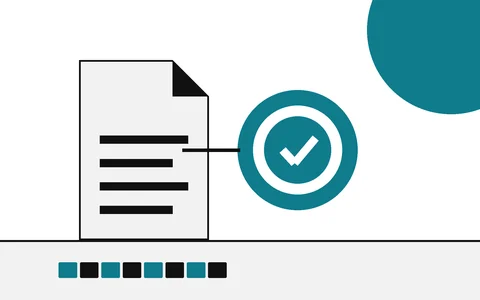
Hash vs digital signature
Integrity of the file versus who stands behind it
- Explainer
From checksums to content credentials
Start here: the fingerprint that links files and photos