What is a checksum? File hashes explained, from downloads to content credentials
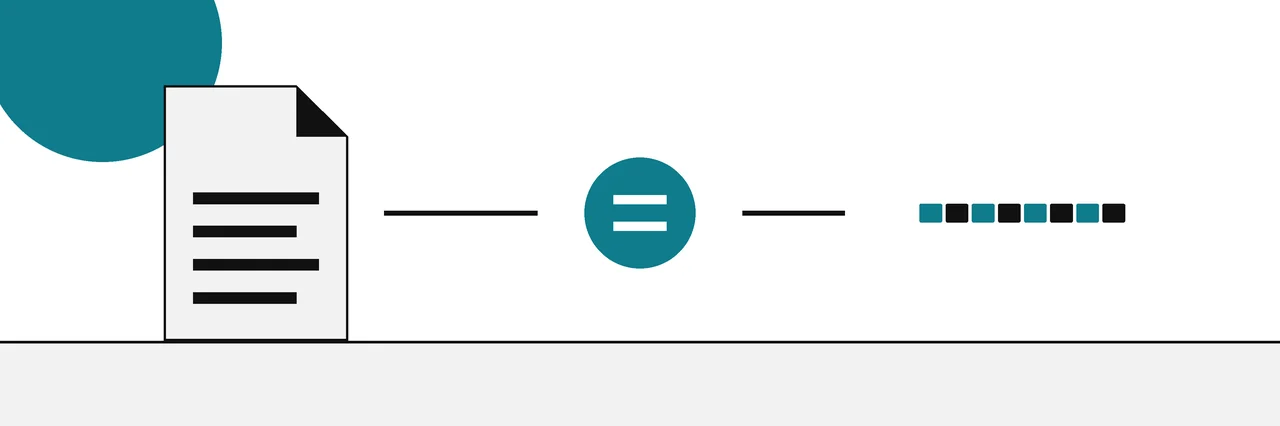
A checksum is a fixed-length value calculated from a file's contents, used to detect whether the file changed. Cryptographic hashes such as SHA-256 are checksums designed so that any change, even one bit, produces a completely different value, and so that two different files are practically never given the same one.
A checksum is a short value computed from every byte of a file. It works like a fingerprint: the same file always gives the same checksum, and a changed file gives a different one. That is why publishers print a checksum next to a download, and why the checksums guide starts here.
The word is older than the tools most people use today. Early checksums simply added up the bytes of a file. The checksums you see on download pages now are cryptographic hashes, mostly SHA-256, which are far better at catching changes. In practice "checksum", "hash" and "file hash" all mean the same short string of letters and digits.
What a checksum is
NIST's glossary defines a hash function as a function on bit strings whose output has a fixed length. Feed it a one-line note or a 5 GB disk image and you get a value of the same size back. For SHA-256 that is 256 bits, written as 64 hexadecimal characters.
A checksum is useful because of three properties:
- It is repeatable. Anyone, on any system, who hashes the same bytes with the same algorithm gets the same value.
- It is short. You can compare 64 characters by eye, paste them into a forum post, or print them on a web page.
- It changes with the content. Alter the file and the value changes. For a good hash, it changes completely.
The file's name, location and dates are not part of the calculation. Only the contents count, which is why you can rename a download and its checksum still matches the publisher's value.
How a hash function works
A cryptographic hash reads the file in fixed-size blocks and mixes each block into an internal state through many rounds of bit shuffling. When the last block is processed, the state is printed as the digest. NIST FIPS 180-4 specifies the SHA family this way, as iterative one-way hash functions that produce a condensed representation called a message digest.
Two design goals matter for checking files.
One-way. Given a hash, you cannot work back to the file. The hash keeps no recoverable copy of the data, so publishing one reveals nothing useful about the contents.
Collision resistance. It should be practically impossible to find two different files with the same hash. FIPS 180-4 states that any change to a message will, with a very high probability, result in a different digest. This is the property that separates a security hash from a simple checksum, and it is where older algorithms have failed. Our guide to MD5, SHA-1, SHA-256 and the newer hashes covers which ones still hold up.
Simple checksums such as CRC32, used inside ZIP files and network protocols, are excellent at catching random errors like a flipped bit on a disk. They were never designed to resist someone who changes a file on purpose. The GNU Coreutils manual for md5sum draws the same line for MD5: it is more reliable than a simple CRC for accidental corruption, but it should not be considered secure against malicious tampering.
One changed byte, a different hash
You can see this for yourself. Here are two text files that differ in a single character: the first ends with a full stop, the second with an exclamation mark.
printf 'Hello, world.\n' > note.txt
printf 'Hello, world!\n' > note2.txt
sha256sum note.txt note2.txt
1ab1a2bb8502820a83881a5b66910b819121bafe336d76374637aa4ea7ba2616  note.txt
d9014c4624844aa5bac314773d6b689ad467fa4e1d1a50a1b8a99d5a95f72ff5  note2.txt
One byte changed, and the two hashes share nothing you could spot. This is called the avalanche effect, and it is what makes a hash useful as a fingerprint: you never have to wonder whether two values that look "nearly the same" mean "nearly the same file".
Different algorithms give different lengths for the same file:
md5sum note.txt
sha1sum note.txt
54098b367d2e87b078671fad4afb9dbb  note.txt
01ba98b3c90126f14577d5b1fdb1ffe9d3364469  note.txt
The MD5 is 32 characters and the SHA-1 is 40. That length is a quick way to tell which algorithm a publisher used when the page does not say.
Checksums vs hashes vs signatures
These three words get mixed up. Each one answers a different question.
| Simple checksum (CRC32) | Cryptographic hash (SHA-256) | Digital signature | |
|---|---|---|---|
| Catches accidental damage | Yes | Yes | Yes |
| Catches deliberate changes | No | Yes | Yes |
| Shows who published the file | No | No | Yes |
| Needs a key | No | No | Yes, a private key to sign and a public key to check |
| Typical use | ZIP archives, network packets | Download pages, SHA256SUMS files |
Signed checksum files, signed apps, content credentials |
A signature builds on a hash. The signer hashes the file, then uses a private key to sign that hash. Anyone with the matching public key can check both that the file is unchanged and that the key holder approved it.
Where you will meet checksums
Once you know what to look for, checksums turn up everywhere, mostly doing their work out of sight.
- Download pages. Linux distributions, open-source projects and hardware makers list a SHA-256 beside each file, or ship a
SHA256SUMSfile that covers a whole release. - Package managers and app stores. They compare a hash of every package against a signed list before installing it, which is why you rarely check those downloads by hand.
- Archives. ZIP files store a CRC32 for each file inside them, so an archive tool can tell you when an entry is damaged.
- Version control. Git names every stored version of every file by a hash of its contents, so a changed byte always produces a new name.
- Backups and storage. Backup tools and some file systems keep hashes of the data they store and re-check them to catch silent corruption on disk.
- Content credentials. A signed credential on a photo or document includes a SHA-256 of the content, as described at the end of this page.
In each case the job is the same: compute a short value now, compute it again later, and treat any difference as a sign that the data changed.
How to read a published checksum
A published checksum is only useful if you compare it with the right thing. Before you compare, check three details on the publisher's page: which file the value belongs to, which algorithm produced it, and where the value itself came from. A value copied from a mirror or a forum post tells you only that your file matches that copy.
What a checksum cannot prove
A matching checksum proves one thing: your file is byte for byte the file the published value came from. Several things fall outside that.
- Who published it. If an attacker can edit the download page, they can replace the file and its checksum together. Both will match. Only a signature, checked against a key you already trust, closes that gap.
- Whether it is safe. A checksum confirms you got what was published, not that what was published is harmless.
- Whether it is true. For a photo or a document, a matching hash says the bytes have not changed. It says nothing about whether the picture shows what really happened.
- Similar files. Resize a photo or re-save it as a JPEG and the hash changes completely, even though it looks identical. Matching images that are similar but not identical needs a different kind of hash.
To put a checksum to work on a real download, follow the step-by-step guide to verifying a download, which adds the signature check that proves where the value came from.
The same check for content
The same SHA-256 now sits inside content credentials for images and documents. The C2PA specification calls it a hard binding: one or more cryptographic hashes that tie a signed credential to the exact bytes of the asset. If anyone edits the image afterwards, the hash stops matching and the credential reports it. The guide from checksums to content credentials shows how a file checksum grew into that.
Sources
Questions
What does a checksum look like?+
It is a string of hexadecimal characters, 0 to 9 and a to f. A SHA-256 is 64 characters long, a SHA-1 is 40 and an MD5 is 32.
Can two different files have the same checksum?+
In theory yes, because a fixed-length value cannot be unique for every possible file. For SHA-256 nobody has found two such files; for MD5 and SHA-1 researchers have built them on purpose.
Does the file name or date change the checksum?+
No, only the file's contents count. Renaming a file, moving it or changing its modified date leaves the hash exactly the same.
Can I get the original file back from its checksum?+
No. A hash is one-way: it is easy to compute from the file and practically impossible to reverse, and a short value cannot hold the information in a large file anyway.
Is a checksum the same as encryption?+
No. Encryption scrambles a file so it can be unscrambled with a key; a hash produces a short fingerprint and keeps no way back to the original.
Related reading
- Explainer

MD5, SHA-1, SHA-256 compared
Which algorithm to rely on, and for what
- How-to
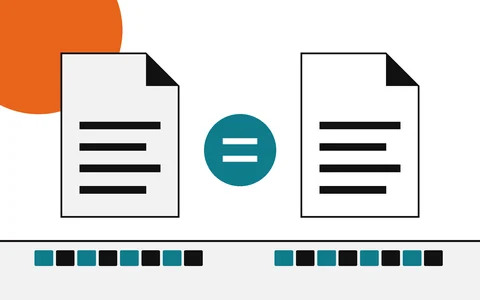
How to verify a download
Start here: find the hash, compute yours, compare
- Explainer
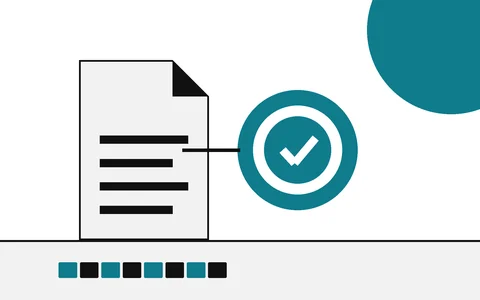
Hash vs digital signature
Integrity of the file versus who stands behind it
- Explainer
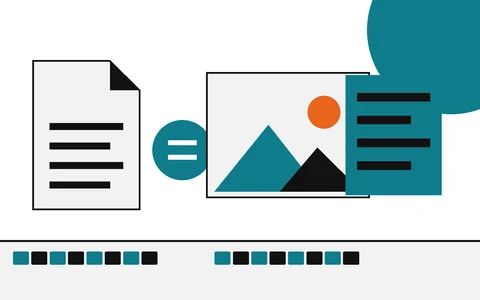
From checksums to content credentials
Start here: the fingerprint that links files and photos