Prove you wrote it: hash and timestamp your drafts as you go
Tested onUbuntu 22.04, 2026-10-30: sha256sum (GNU coreutils 8.32), OpenSSL 3.0.2, git 2.34.1, freeTSA.org
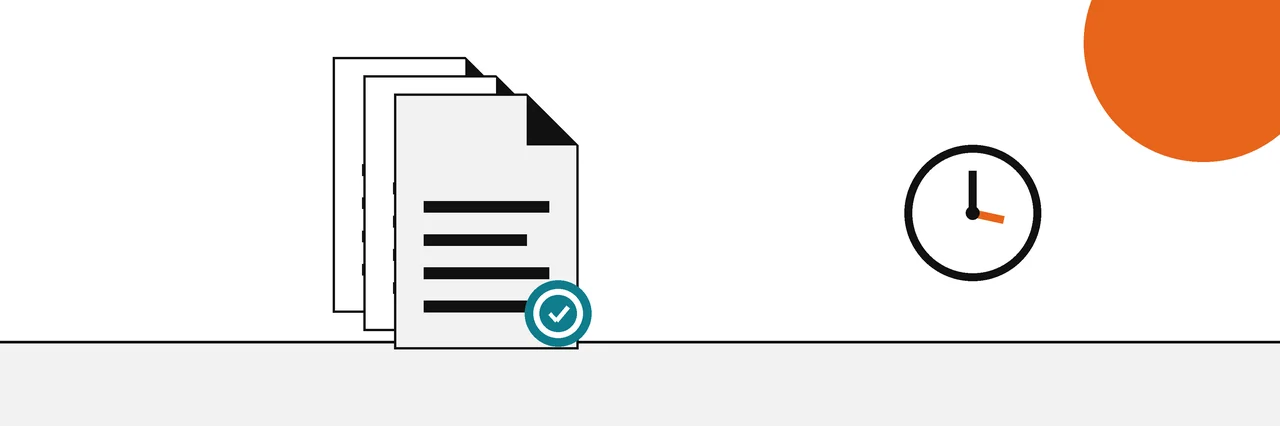
Save each draft as a separate file, record its SHA-256 hash in a log, and send the log's hash to a trusted timestamp authority. The drafts show how the work grew, the hashes prove each draft is unchanged, and the timestamp proves when the log existed. Keep version history on as well.
If your writing is ever questioned, a detector score will not clear you and nothing inside the text can show who wrote it. What can help is a record of the process: dated drafts that show the work growing, and proof that those drafts were not made up afterwards. This guide shows how to build that record in a few minutes a day.
It belongs to our set of guides to verifying files, images and text, and it answers the question that our page on whether text is AI-generated leaves open: if detectors only estimate, what evidence holds up? The answer is drafts, hashes and timestamps, used together.
You need
- A folder for drafts, and the habit of saving a new copy at each milestone.
- A terminal: Terminal on a Mac, PowerShell on Windows, or any Linux shell.
- OpenSSL and curl for the timestamp step (most Linux systems include both).
- Optionally, Git, if you want every draft in a version history.
Step 1: Save drafts as you go
Make a folder called drafts and save a new file at every real step: the outline, the first full draft, each major revision. Number them so the order is obvious, for example essay-v01-outline.txt, essay-v02.txt, essay-v03.txt.
Do not overwrite. A single file that is always "the latest" throws away exactly the history you are trying to keep. Plain text, Markdown, DOCX and PDF all work; the hash does not care about the format, only that the saved file stays exactly as it was. If you write in Google Docs or Word, keep their version history switched on as well, and download a copy into the folder at each milestone.
Step 2: Hash each draft
A SHA-256 hash is a 64-character fingerprint of a file's exact bytes. The algorithm is defined in NIST FIPS 180-4, and any change to a file, even one character, gives a different value with very high probability.
On Linux, sha256sum prints the hash and the file name:
sha256sum drafts/essay-v01-outline.txt
4545caa3fa58ac0ce0e9b813e2bb5a9a1367cd7ca75d8d7a563eb270251369fb drafts/essay-v01-outline.txt
On a Mac the same line comes from shasum -a 256 drafts/essay-v01-outline.txt (plain shasum gives SHA-1, so always add -a 256). On Windows, run Get-FileHash .\drafts\essay-v01-outline.txt in PowerShell, which uses SHA-256 by default.
Step 3: Keep a hash log
Append every new draft's hash to one plain text file. The format sha256sum prints is also the format it can re-check later:
sha256sum drafts/essay-v02.txt drafts/essay-v03.txt >> hash-log.txt
cat hash-log.txt
4545caa3fa58ac0ce0e9b813e2bb5a9a1367cd7ca75d8d7a563eb270251369fb  drafts/essay-v01-outline.txt
491d9327e34958e7a04c5074b4448e7a36fb728a2f84bdf8c05a12824d175896  drafts/essay-v02.txt
9587e018186ad0918dfc3bcb99f67ac45d960445298595a48e9cbdb40e2b0258  drafts/essay-v03.txt
Anyone can later confirm that the drafts you show are the ones you logged:
sha256sum -c hash-log.txt
drafts/essay-v01-outline.txt: OK
drafts/essay-v02.txt: OK
drafts/essay-v03.txt: OK
If a draft had been edited after it was logged, the check names it. Here one line was added to the second draft:
drafts/essay-v01-outline.txt: OK
drafts/essay-v02.txt: FAILED
drafts/essay-v03.txt: OK
sha256sum: WARNING: 1 computed checksum did NOT match
On a Mac, shasum -a 256 -c hash-log.txt runs the same check. The same manifest technique works for any set of files, and our guide to hashing a whole folder covers it on every system.
Step 4: Add a trusted timestamp
The log proves the drafts are unchanged since they were logged, but not when the log was written; you could have made it yesterday. A trusted timestamp closes that gap. Under RFC 3161, a time-stamp authority signs a token that proves a given hash existed before a particular time.
Create a request from the log, send it to a public authority (freeTSA.org in this example), and keep both files:
openssl ts -query -data hash-log.txt -no_nonce -sha256 -cert -out hash-log.tsq
curl -H "Content-Type: application/timestamp-query" --data-binary '@hash-log.tsq' https://freetsa.org/tsr > hash-log.tsr
openssl ts -reply -in hash-log.tsr -text
Status: Granted.
Hash Algorithm: sha256
Time stamp: Oct 31 02:43:13 2026 GMT
Those lines are from the reply's full text output. The authority reports time in GMT, so the date can differ from your local calendar day. Anyone can verify the token against the log with the authority's certificates:
openssl ts -verify -in hash-log.tsr -data hash-log.txt -CAfile cacert.pem -untrusted tsa.crt
Verification: OK
Only the hash leaves your computer; the authority never sees your writing. The full request and verify process, and how to pick an authority, are in our guide to RFC 3161 trusted timestamps.
Step 5: Use version history
Version history adds the in-between steps that numbered drafts skip. Git is a good fit for plain text and Markdown. The Pro Git book explains that Git names every object by a SHA-1 checksum of its content, so a committed draft cannot change without its name changing:
git init
git add drafts hash-log.txt
git commit -m "Drafts 1 to 3 and hash log"
git log --format='%H %ad %s' --date=iso-strict
eec16d362d69ff7e91064bcb607a02e5ee3d75b1 2026-10-30T22:43:16-04:00 Drafts 1 to 3 and hash log
Git is moving to a stronger hash: the project's hash function transition plan records that SHA-256 was chosen as the successor to SHA-1 in late 2018. Either way, note the date in that output. It comes from your computer's clock, and you can set it to anything. That is why the timestamp in step 4 matters, and why a history kept on a service you do not control (a hosted Git remote, Google Docs, Microsoft 365) is stronger than one kept only on your laptop.
A routine that takes two minutes
The habit matters more than the tools. A workable routine for a long essay, a thesis chapter or a manuscript looks like this:
- At the end of each writing session, save a new numbered draft. Do not edit the previous one.
- Run the hash command on the new draft and append the line to
hash-log.txt. - If you use Git, commit the new draft and the updated log together.
- At milestones (end of the week, before you send a draft to a supervisor, before submission), copy the log to a dated file and timestamp that copy.
- Back up the drafts folder, the logs and the
.tsrtokens somewhere other than your laptop.
Keep everything, including drafts you later threw away. Abandoned paragraphs and false starts are some of the most convincing evidence of genuine work, because they show thinking that never reached the final version.
What this proves and what it does not
| Evidence | Proves | Does not prove |
|---|---|---|
| Trusted timestamp on the hash log | The logged drafts existed by the stamped time | Who typed them |
| Hash log | Each logged draft is unchanged | When the log was made, unless timestamped |
| Hosted version history | How the text changed over time, by a service's clock | That nothing was pasted in from elsewhere |
| Numbered drafts | The order you say the work grew in | Dates or integrity on their own |
| Local file and commit dates | What your computer's clock said | Anything, since clocks can be changed |
Put together, the record shows a piece of writing growing over days, each stage fixed by a hash and the whole series anchored in time by an outside authority. That is far more than a detector score can say in either direction. It does not, and cannot, prove that no one helped you; it shows the work existed in those forms at those times, which is usually what an accusation turns on.
Common problems
- The check says FAILED for a draft you did not touch: some editors rewrite files when you open them. Keep drafts read-only once logged, or keep a copy outside the working folder.
- The check says "No such file or directory": run it from the folder where you made the log, since the paths in the log are relative.
- The timestamp verify fails with "message imprint mismatch": the file you are verifying is not the one you stamped. Verify the exact
hash-log.txtthat existed when you made the request. Before each stamp, copy the log to a dated file such ashash-log-2026-10-30.txt, stamp the copy, and never edit it again.
Sources
Questions
Does a hash prove I wrote something?+
No, a hash on its own proves only that a file has not changed since it was hashed. Authorship evidence comes from the series of drafts and the dates attached to them, and a hash is what makes those drafts tamper-evident.
Is the date on my file good enough?+
Not on its own. File dates and Git commit dates come from your own computer's clock, which anyone can change. A trusted timestamp is signed by an outside authority, which is why it carries more weight.
Do I need to timestamp every draft?+
No. Timestamp the hash log at milestones, such as the end of each writing day or before you submit. One timestamp covers every draft hash listed in the log at that moment.
Does this work for Google Docs or Word?+
Yes. Keep their version history on, and at milestones download a copy (DOCX, PDF or plain text) into your drafts folder, then hash it and add it to the log like any other draft.
Will timestamping share my essay with anyone?+
No. Only the SHA-256 hash of your file goes to the timestamp authority, and the file cannot be rebuilt from the hash.
Related reading
- How-to
Trusted timestamps
How a third party vouches for when a file existed
- Explainer
Is this text AI-generated?
Why a detector score is the weakest evidence
- How-to
Hash a whole folder
One manifest that covers many files
- Explainer
Hash vs digital signature
Integrity of the file versus who stands behind it