MD5, SHA-1, SHA-256 and the rest: which hash to trust in 2026

Use SHA-256 to check a download. MD5 and SHA-1 still detect accidental corruption, but practical collisions exist for both, so an attacker can craft two different files with the same MD5 or SHA-1. NIST lists SHA-256 as acceptable for every hash use, and it is the default in Get-FileHash and in Linux checksum files.
A hash algorithm turns a file into a short fixed-length value, and the algorithm you pick decides what that value can prove. Some algorithms only catch accidents. Others also stand up to someone who is trying to fool you.
If you are new to the idea, our introduction to checksums and file hashes starts with what a checksum is and how to check one. This page compares the algorithms you will meet on download pages, from MD5 to SHA-3, and says which one to trust.
The algorithms at a glance
The status column uses NIST's own wording from SP 800-131A Rev. 2, Table 8, where the algorithm appears there.
| Algorithm | Output | Hex characters | Status | Good for |
|---|---|---|---|---|
| CRC32 | 32 bits | 8 | Error-detecting code, not a cryptographic hash | Spotting transmission errors |
| MD5 | 128 bits | 32 | Not in NIST's table of approved hash functions | Accidental corruption only |
| SHA-1 | 160 bits | 40 | Digital signature generation: Disallowed; digital signature verification: Legacy use; non-digital-signature applications: Acceptable | Old systems that need it |
| SHA-256 | 256 bits | 64 | Acceptable for all hash function applications | Downloads, signatures, everything |
| SHA-512 | 512 bits | 128 | Acceptable for all hash function applications | Same as SHA-256 |
| SHA3-256 | 256 bits | 64 | Acceptable for all hash function applications | Where a publisher lists SHA-3 |
| BLAKE2 and BLAKE3 | BLAKE2b up to 512 bits; BLAKE3 256 bits by default | varies | Not NIST standards | Speed, in tools that support them |
Here is the same short text file hashed with each common algorithm, from a run on Ubuntu 22.04:
md5sum hello.txt
sha1sum hello.txt
sha256sum hello.txt
openssl dgst -sha3-256 hello.txt
54098b367d2e87b078671fad4afb9dbb  hello.txt
01ba98b3c90126f14577d5b1fdb1ffe9d3364469  hello.txt
1ab1a2bb8502820a83881a5b66910b819121bafe336d76374637aa4ea7ba2616  hello.txt
SHA3-256(hello.txt)= b84b8d971aab4db1fa07e054ab73011e4c1a50504d293b38c32c4a97f4bd08f4
The lengths give the algorithm away. If a download page shows a 32-character value without naming it, it is almost certainly MD5; 40 characters means SHA-1, and 64 means SHA-256 or SHA3-256.
MD5: fine for corruption, broken for tampering
MD5 was published in 1992 and produces a 128-bit value. It is still very good at noticing that a file was damaged in transit, because the chance of an accidental match is vanishingly small.
What it cannot do is resist a deliberate attack. RFC 6151 states that "MD5 is no longer acceptable where collision resistance is required", with digital signatures as the example. A collision means two different files with the same hash. The same RFC still accepts MD5 as a checksum used "solely to protect against errors", which is the narrow job it can do on a download page.
So treat an MD5 match as proof that the file was not corrupted, and nothing more. If the publisher lists a SHA-256 as well, check that instead. Microsoft's Get-FileHash documentation gives the same advice in its own words: MD5 and SHA1 should only be used for simple change validation.
SHA-1 and the SHAttered collision
SHA-1 produces a 160-bit value and was the default in many tools for years. In 2017 a team from CWI Amsterdam and Google Research published the first collision for full SHA-1: two PDF files with the same SHA-1 hash but different visible content.
The paper puts the work at the equivalent of 2^63.1 SHA-1 compressions, about 6,500 CPU years and 100 GPU years. That is expensive, but well within reach of a large organisation, and attacks only get cheaper.
NIST's response came in stages. SP 800-131A Rev. 2 already disallows SHA-1 for generating digital signatures. In December 2022, NIST announced that SHA-1 should be phased out by 31 December 2030 in favour of the SHA-2 and SHA-3 groups.
On a Mac this matters day to day: plain shasum with no options computes SHA-1, so always type shasum -a 256.
SHA-256 and SHA-512
SHA-256 and SHA-512 belong to the SHA-2 family, specified in NIST FIPS 180-4. NIST's table lists the whole family, including SHA-224, SHA-384, SHA-512/224 and SHA-512/256, as acceptable for all hash function applications.
SHA-256 is the default almost everywhere you will check a file. Windows' Get-FileHash uses it when no algorithm is named, Ubuntu publishes SHA256SUMS files with its images, and the C2PA standard behind content credentials binds a picture to a SHA-2 hash such as SHA-256.
Change one character and the whole value changes. Here is hello.txt again, with the full stop changed to an exclamation mark:
1ab1a2bb8502820a83881a5b66910b819121bafe336d76374637aa4ea7ba2616  hello.txt
d9014c4624844aa5bac314773d6b689ad467fa4e1d1a50a1b8a99d5a95f72ff5  hello2.txt
SHA-512 gives a longer value, 128 hex characters. For checking a download it offers no practical advantage over SHA-256; use whichever the publisher lists.
SHA-3 and the BLAKE family
SHA-3 is a different design, standardised in FIPS 202 in 2015. Each SHA-3 function is based on Keccak, the winner of NIST's SHA-3 competition, and FIPS 202 says the new functions supplement SHA-1 and the SHA-2 family, which stay in use alongside them. NIST lists the SHA-3 family (SHA3-224, SHA3-256, SHA3-384 and SHA3-512) as acceptable for all hash function applications too.
BLAKE2 and BLAKE3 are fast hashes from outside NIST. BLAKE2b produces digests of any size between 1 and 64 bytes, and BLAKE3 defaults to 256 bits. You will see them in archive tools and file sync software. They are fine to use when a publisher lists them, but they are not NIST standards, so most download pages stick to SHA-256.
CRC32 is not a security hash
CRC32 is a cyclic redundancy check, a 32-bit code designed to catch transmission errors such as a flipped bit. ZIP files and network protocols use it for exactly that.
It was never meant to resist deliberate change. A CRC is simple arithmetic, so a file can be adjusted to keep a chosen CRC32, and with only 32 bits, accidental matches are far more likely than with a cryptographic hash. Treat a CRC as a quick integrity hint and never as proof.
Reading algorithm names on download pages
Publishers spell the same algorithm several ways, which causes more mismatches than any weakness in the algorithms themselves.
- SHA256, SHA-256, SHA2-256 and sha256sum all mean the same thing: the 256-bit member of the SHA-2 family.
- SHA-2 on its own is a family name. If a page says only "SHA-2", count the characters: 64 means SHA-256, 128 means SHA-512.
- SHA3-256 is a different algorithm from SHA-256, despite the similar name. The two give completely different values for the same file.
- A file ending in
.sha256,.sha512or.md5is a plain-text checksum file. The extension names the algorithm. - "Checksum" with no algorithm named often means SHA-256 on a recent page and MD5 on an old one. The length tells you which.
When in doubt, compute the hash with the algorithm the length suggests and compare. If the lengths match and the values still differ, the file itself is different from the one the value describes.
Which one to use
- Checking a download: SHA-256, or whatever SHA-2 or SHA-3 value the publisher lists.
- Publisher lists only MD5 or SHA-1: check it, since it still catches corruption, but know that it cannot rule out a swapped file. Look for a signed checksum file or another source for the value.
- Signing or anything that must resist an attacker: SHA-256 or stronger, never MD5 or SHA-1.
- Speed for your own backups: BLAKE3 or xxHash in tools that support them, with the understanding that xxHash is a non-cryptographic hash for detecting accidents.
A hash, however strong, only shows that a file matches a value. It does not show who published the value. Our guide on what a hash proves and what a digital signature adds covers the second half of the job, and the plain-language explainer on checksums and how a hash function works covers the basics behind this page.
The same check for content
Every algorithm on this page is designed so that one changed byte gives a completely different value. That is exactly what you want for a download, and exactly what you do not want when matching a photo that has been resized or recompressed. For images there is a different family of fingerprints built to stay close when the picture looks the same; the comparison of perceptual hashing and SHA-256 for images explains when to use each.
Sources
Questions
Is MD5 still safe to use for checking downloads?+
Only against accidental damage. It will catch a corrupted or truncated download, but it cannot show that nobody swapped the file, because two different files can be built to share an MD5.
Is SHA-1 broken?+
For collision resistance, yes: the 2017 SHAttered paper published two different PDF files with the same SHA-1. NIST has said SHA-1 should be phased out by 31 December 2030.
Is SHA-512 more secure than SHA-256?+
It has a longer output, 512 bits against 256, but both belong to the SHA-2 family that NIST lists as acceptable for all hash uses. For checking a download, use whichever one the publisher lists.
Should I use SHA-3 instead of SHA-256?+
Only if the publisher lists a SHA-3 value. SHA-3 is a different design standardised in FIPS 202, and NIST treats both families as acceptable, so there is no need to switch on your own.
Why do some sites list several hashes for one file?+
So that people with different tools can check it. Compare the strongest one you can compute, usually SHA-256, and ignore the rest.
Related reading
- Explainer
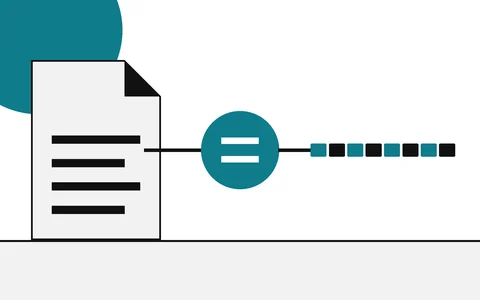
What is a checksum?
A fingerprint for a file, explained plainly
- Explainer
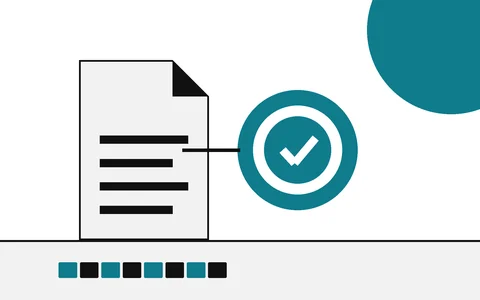
Hash vs digital signature
Integrity of the file versus who stands behind it
- Explainer
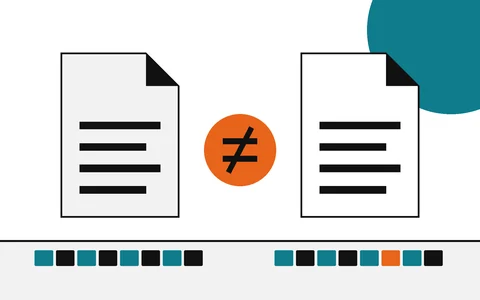
Checksum mismatch
What a different hash means, and what to do next
- Explainer
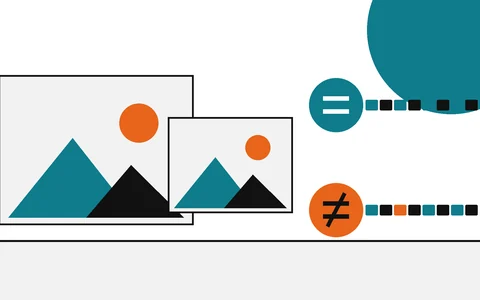
Perceptual hash vs SHA-256
Near matches versus exact matches